

Sunday, ten at night. The boiler in a house in Palamós has started dripping and the owner doesn't want to wait until Monday to find a plumber. He opens three websites. On the first, the phone number is in the footer, after four screens of text. On the second, the only button says “Learn more” and leads to another page just as long. On the third, as soon as he lands, there's a green button that says “Message us on WhatsApp” and, underneath, in small print, “We'll reply tomorrow before 9”. He messages the third. That button and that line are a call to action, and it's one of the most neglected parts of small business websites.
What a call to action is (and what it isn't)
A call to action, or CTA, is whatever tells someone on your website what to do next: “Get a quote”, “Book an appointment”, “Call us”, “Message us on WhatsApp”. It's almost always a button, sometimes a link, and its job is very specific: to let someone who is already convinced take the step without having to work out how.
It isn't the slogan on your home page, or a “Don't miss out!” with three exclamation marks. Nor is it a window that pops up after three seconds and covers what you were reading. It's closer to the shop assistant who says “shall I put that aside for you?” just as you're hesitating than to the one who follows you around the shop.
The button text: say what happens when you press it
The most common mistake is the button text: “Submit”, “More information”, “Contact”, “Get started”. They're words that would fit any website in the world, which is exactly why they tell nobody anything.
The Nielsen Norman Group, which has spent decades studying how people use websites, tested this with one of the most common buttons on the internet. In their article “"Get Started" Stops Users” they explain that the label is so vague that every visitor assumes it will take them to what they're looking for, and gets frustrated when it doesn't. What people wanted to know before clicking was something else: what the company offered, how much it cost and what they were committing to. One participant put it plainly: all they wanted was the price, and if they liked it, they'd call.
The fix is to write on the button what happens when you press it:
- “Submit” → “Get your quote”.
- “More information” → “See prices”.
- “Contact” → “Message us on WhatsApp”.
- “Book” → “Book a slot this week”.
And if price is what people ask about most, having it near the button helps more than any well-chosen verb. When that makes sense and how to do it is in should you show prices on your website?
The small line underneath
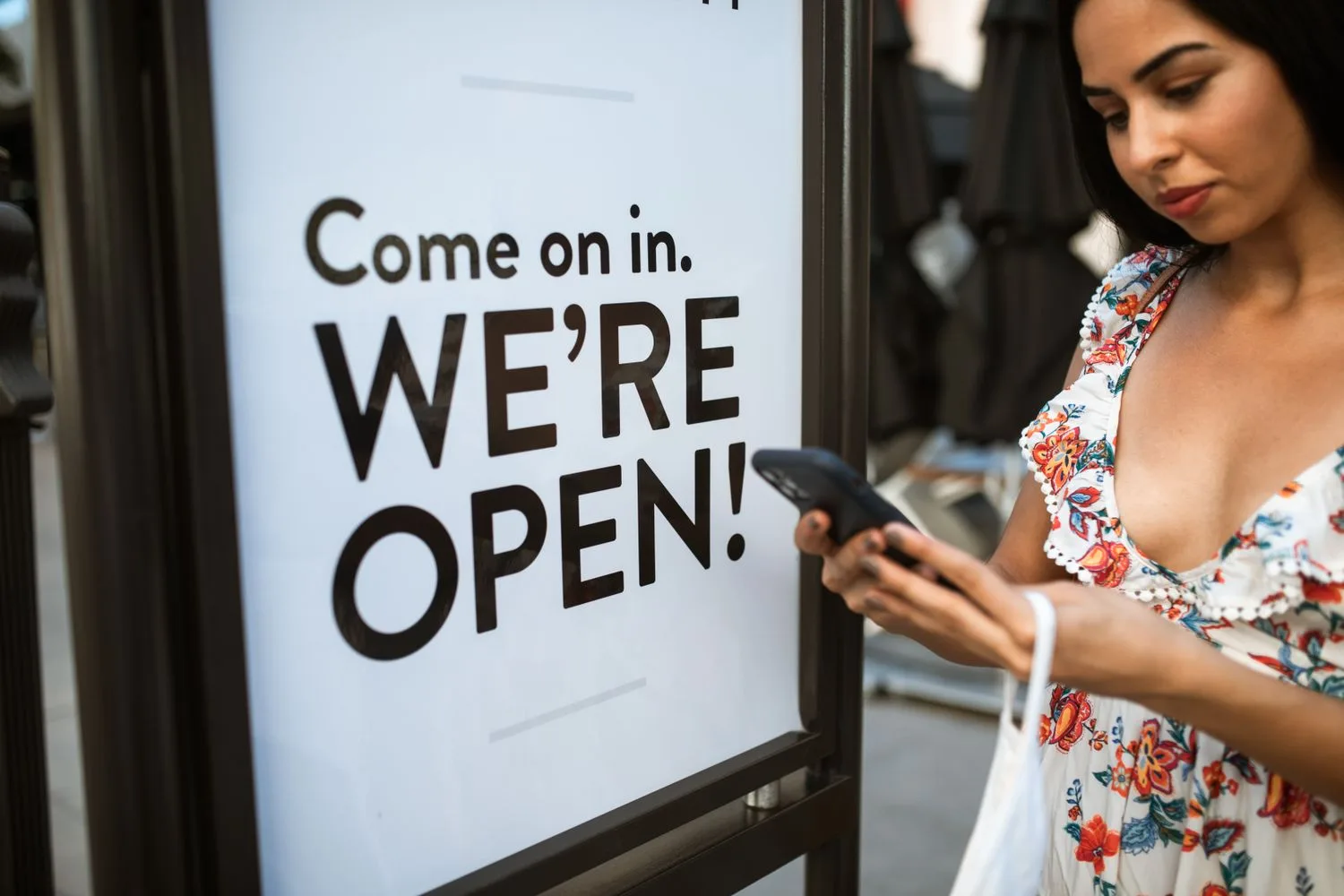
Under the button there's room for one line that takes away the fear of pressing it: “No obligation”, “We reply the same day”, “We only need your phone number”. It answers the question the person has at that exact moment, which is what will happen if they press. With the boiler dripping, knowing someone would reply first thing is what made him choose the third website. On the high street, the sign on the door does the same job when it says “come on in, we're open”: it invites you and settles your doubt at the same time.
Where to put the call to action
There are three places that rarely fail:
- On the first screen on a phone. Someone in a hurry has to see the button without scrolling. If finding out how to get in touch means reaching the footer, some people never get there.
- After every section that persuades. After the prices, after customer reviews, after a service has been explained. That's where people decide, and if they have to scroll back up to press something, the moment passes.
- At the end of the page. Anyone who has read all the way down is genuinely interested. Don't leave them facing an empty footer.
On phones, a fixed bar at the bottom with two buttons, call and WhatsApp, also works well, as long as it's slim and doesn't cover the text people are reading.
Pop-ups, handle with care
The window that pops up as soon as you arrive asking for your email is also a call to action, but the annoying kind. Google explains it in its documentation on interstitials and dialogs: anything that stops people seeing the content makes it harder for search engines to understand the page and can hurt the site's performance in Search. What it recommends instead are banners that take up a small part of the screen.
If you use one, make sure it closes with a single tap and doesn't come back on every page. On this website we have one for the Kit Digital waiting list: it closes first time and doesn't reappear for the next 24 hours.
One main action per page
Every page needs one goal. On a service page, asking for a quote. On a hair salon's home page, booking an appointment. On a landing page, one thing and nothing else. When a page asks for five at once (“call us”, “message us”, “subscribe”, “follow us on Instagram”, “download the brochure”), visitors usually do none of them.
That doesn't mean removing the other options. It means one of them leads: it's the big button, in the colour you don't use for anything else, and the rest become text links or quieter buttons. The contact page is the exception, because by then the person has already decided to get in touch and is only choosing how.
Make it visible and easy to press with a thumb
A button has to look like a button: a button shape, a colour that stands out from the rest of the page and space around it. Underlined text inside a paragraph works as a link, but not as a call to action button.
On a phone, it also has to fit a thumb. The W3C accessibility guidelines, WCAG 2.2, set out in success criterion 2.5.8, Target Size (Minimum), that the area you press should be at least 24 by 24 CSS pixels, with some exceptions, so nobody hits the button next to it by mistake. That's a minimum. For the button that matters most to you, go considerably bigger and leave space between the call button and the WhatsApp one. We go through this and other guidelines in web accessibility.
A WhatsApp call to action, done properly
Plenty of people would rather write than call, especially out of hours. A well-built WhatsApp button has three details:
- It opens the chat with a message already written. WhatsApp links, the ones starting with wa.me, let you prepare the first message. On this website, for example, the button opens the chat with “Hi, I'd like more information”, so all people have to do is press send. You can go further and say which page they came from: “Hi, I'm coming from your bathroom renovation page”.
- It says when you'll reply. “We reply from 9 am to 7 pm” or “we'll get back to you the same day”. Someone writing at ten at night relaxes and doesn't go looking for someone else.
- It doesn't replace the form. Some customers don't use WhatsApp for this kind of thing, or prefer email. The contact form is still needed, and it has to work.
Then you have to reply quickly. A perfect call to action is of little use if the message sits unanswered for a day. Why reply time decides so many sales is covered in how fast you reply.
Want to know what it would cost you?
We reply the same day. No commitment, no sales pitch.
How to tell whether your call to action works
There's no need to guess. With web analytics you can count every press of a button: how often the WhatsApp one is tapped, how often the call one, and from which pages. Compare that with the visits each page gets and you'll see where people are persuaded and where they leave.
If you change something, change one thing at a time, the text or the position of the button, and wait until you have enough visits before drawing conclusions. On a small website that can take a few weeks. And ask the people who write to you how they found you: it's the cheapest measurement there is.
Five buttons we often see and how we'd change them
- A “Submit” at the end of the form. Better “Get your quote” or “Send your enquiry”, which say what happens.
- The phone number, only in the footer. Move it up to the header and, on phones, make it tappable so it calls straight away.
- “More information” on every button. If it leads to the prices, “See prices”. If it leads to a service, the name of the service.
- The newsletter as the main button on a service page. Someone looking at a renovation wants a quote, not a newsletter. The newsletter belongs in the footer.
- A button the same colour as everything else. If everything on your website is blue, the main button can't be blue too. Pick a colour you only use for that.

What a website with well-placed buttons costs
Calls to action aren't charged separately: they're part of how we build every website. Each page goes out with its main action and with the WhatsApp button to hand, just like the one you're reading. Our prices are published on the pricing page:
- Your Landing, €100 a month: a single page that explains what you do and collects enquiries, with high-performance hosting and one email mailbox.
- Your Website, €200 a month: up to ten subpages, hosting, two email mailboxes and one article a month to keep your presence alive.
All plus VAT and with no lock-in: billed month by month, and you can stop with thirty days' notice. If you'd also like someone to make sure you're found on Google, in AI answers and through ads, there are the presence plans, from €400 a month.
We'll tell you in a ten-minute conversation
We reply the same day. No commitment, no sales pitch.
We'll tell you which button we'd change first
We're three partners and we work at the Palau Firal in Sant Antoni de Calonge, next to Palamós, with businesses across the provinces of Girona and Barcelona.
Send us your website address on WhatsApp. We'll open it on a phone the way a customer would and tell you which call to action we'd change first, and why. No obligation. If you prefer, write to us through the contact form.
Tell us what you need and we'll give you a price
We reply the same day. No commitment, no sales pitch.