

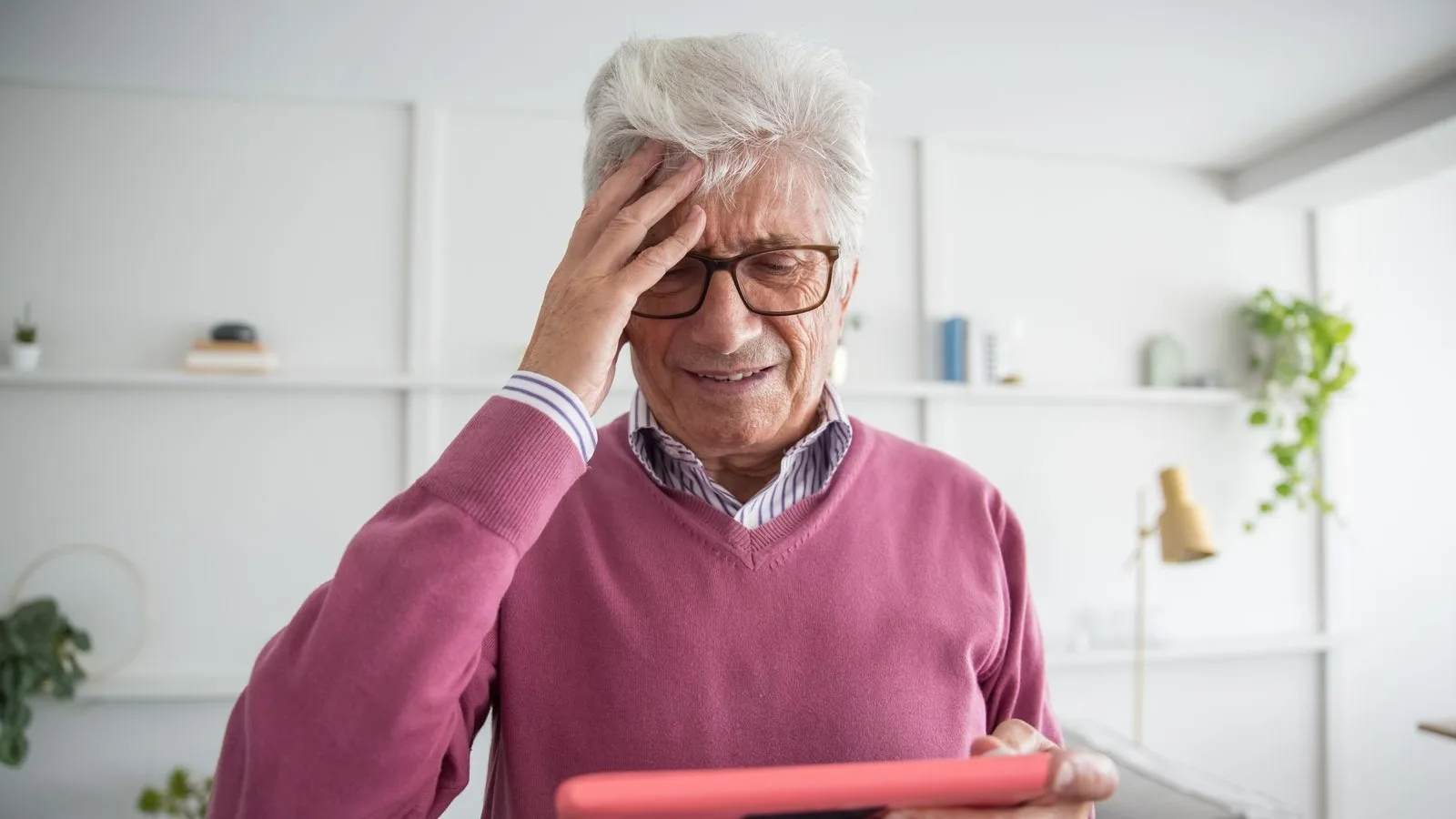
Web accessibility is not about ticking a box: it is about people being able to use your site. In Spain there are 4.38 million people with a disability or limitation, 94.9 per thousand inhabitants, and the figure that changes the conversation for a local business is a different one: 75.4 % of that group is 55 or older, according to the disability survey by Spain's statistics office. This is not a distant group: these are your regular customers, a few years later.
What web accessibility is, without the jargon
It means your site can be read, understood and used even if the person at the other end sees little, hears little, cannot use a mouse or is simply holding a phone in bright sunlight on a terrace. None of that is unusual: half of it happens to all of us at some point, it just happens to some people all the time.
It is not a layer you bolt on at the end or a special mode of the page. It is the same website, built so it does not get in the way.
Who is bound by web accessibility rules in Spain
This deserves precision, because a lot of fear is sold by the kilo. The rule is Ley 11/2023, which transposes a European directive and applies to a specific list of products and services, not to every website in the country.
What is in and what is out
In scope are, among others, e-commerce services, which the law defines as services provided at a distance through websites and mobile apps in order to conclude a contract with a consumer. In plain terms: if people buy on your site, you are on the list. Banking, passenger transport, telecoms and e-books are in there too. A website that just explains what you do and has a contact form is not an e-commerce service.
The exemption that covers almost everyone reading this
The law states that microenterprises providing services are exempt from those requirements and from any related obligation. And it defines a microenterprise with two numbers: fewer than ten employees and an annual turnover not above two million euros, or an annual balance sheet total that does not exceed it either.
So most small online shops around here have no legal obligation. Saying so is not playing the subject down, quite the opposite: if you do it, do it because it pays off, not because someone scared you.
Why it pays off even when the law leaves you out
Because the person who cannot use your site does not write to tell you. They leave, and all you see is one more visit that did nothing. Light grey text on white, a button that stands out only by colour, a form that does not say which field failed: none of that produces a complaint, it produces a silent exit.
And there is a side effect you notice quickly. What makes a site accessible — ordered headings, clear text, big buttons, described images — is almost exactly what makes a site easy to understand first time round. It helps everyone, not only the people who need it.
Want to know what it would cost you?
We reply the same day. No commitment, no sales pitch.
The four ideas behind the standard
The international standard is maintained by the W3C and is called WCAG. It sounds like engineering, but it rests on four ideas that fit in one sentence each:
- Perceivable: it can be seen or heard. Enough contrast, text that is not an image, videos with captions.
- Operable: it can be worked. With a mouse, a finger or a keyboard, and without countdowns rushing you.
- Understandable: it makes sense. Plain language, a predictable order and errors that explain what happened.
- Robust: it works with whatever the visitor uses, screen readers included.
There are three levels, A, AA and AAA. The one asked for in practice is AA, and you get there with ordinary design and development work.
The web accessibility mistakes we see on almost every site
- Light grey text, because it looks elegant on the designer screen.
- Photos with no description, which are a hole for a screen reader.
- Headings that are headings by size only, with no structure underneath.
- Forms with the label inside the field, which vanishes as you type.
- Links that say "here" and never say where they go.
- Videos with speech and no captions, which most people watch muted on their phone anyway.
- Pop-ups that close neither with the keyboard nor with a finger.
None of them is a money problem. They are decisions taken without thinking about this.
Contrast: the most repeated mistake and the easiest to fix
Normal text needs a contrast ratio of 4.5 to 1 against its background, and large text 3 to 1. Do not trust your eye: there are free checkers where you paste both colours and get the number.
Where it usually fails
In secondary grey text, in pale buttons with white lettering and, above all, in text sitting on top of a photo. There the fix is not a different font: it is a dark layer underneath, or moving the text off the image.
Alternative text for photos
Every image that carries information needs a sentence describing it, and the purely decorative ones get marked as decorative so the screen reader skips them. The practical rule: write what you would say on the phone, not a pile of keywords in a row. It is the same thing we ask for in photos for your website, where we also cover how much each image should weigh.
Headings order the page for people who cannot see it
A screen reader can jump from heading to heading, the way you run a finger down a table of contents. If headings are set by size rather than by hierarchy, that table of contents does not exist and the only option is listening to everything top to bottom. One h1 per page and the h2s in order fixes it, and it is exactly what good writing already requires, as we explain in what to write on your website.
The form: labels, errors and no traps
The label goes outside the field and stays there while you type. Errors are spelled out in words, not just by painting the border red, because some people cannot tell that red apart. And the confirmation that a message was sent has to be text, not only a green icon. If the messages do not reach you at all, that is another story and it is in why your contact form messages never arrive.
Everything has to work with a keyboard
Some people do not use a mouse, because of tremor, pain or because they browse with a screen reader. Anything you can do with a mouse has to be possible with a keyboard, and you have to see where you are: that outline marking the active element stays, however ugly the designer finds it.
The tab key test
Open your site, leave the mouse alone and press the tab key over and over. If you can reach the menu, the links, the form and the send button, and you can always see where you are, you are in good shape. If the focus disappears at some point or you get trapped inside a pop-up, there is your first fix. It takes two minutes.

Video and audio: captions before anything else
Captions are not only for people who cannot hear. On a phone most people watch videos with the sound off, so a video without captions is a video almost nobody understands. Add a written transcript underneath and you gain two things: the people who would rather read, and a text that Google can actually index.
What web accessibility does for your SEO and for AI assistants
It is not magic, and it is not a secret ranking factor, but the two overlap a great deal. Ordered headings, links with real names, described images and a site that loads fast on a phone are the basis of any SEO work, and also of an artificial intelligence assistant being able to read and quote you, which is what GEO is about. Speed belongs in the same package and we cover it separately in why your website is slow on mobile.
We'll tell you in a ten-minute conversation
We reply the same day. No commitment, no sales pitch.
How to check your page for web accessibility in ten minutes
You do not need an audit to get started. Four checks tell you whether there is a serious problem or only details to polish.
Three checks that need nothing installed
- Zoom the text to two hundred per cent in the browser. If things overlap or buttons disappear, there is work to do.
- Mute a video and see whether it still makes sense.
- Browse with the tab key and check that you can see where you are.
Automated tools catch part of it, not all: alternative text reading "image1" passes the test and is worth nothing. Half of this only shows up when a person looks.
What web accessibility is not
That little figure icon that opens a toolbar with buttons to enlarge text and change colours. It gets sold as a one-day fix and it looks the part, but it does not repair what is broken underneath: if your photos have no descriptions and your form has no labels, the toolbar does not invent them. It works as a patch and, sometimes, as an alibi.
What an accessible website costs
Built that way from the start, next to nothing: these are design decisions, not extra hours. In our prices, Tu Landing is 100 € a month and Tu Web, up to ten subpages, 200 € a month, plus VAT and with no lock-in, including domain, hosting, email and maintenance. We do not charge for accessibility separately because it is not an add-on, it is doing the job properly.
Fixing it afterwards does cost, and how much depends on what the site is built with. We break that difference down in WordPress or a custom website.
Where to start if the site already exists
With contrast and with photo descriptions, which take an afternoon and account for half the problems. Then the form and the keyboard. And if you sell online, go through the whole checkout, because that is where most is lost: we take it apart in how much an online shop costs. Regular reviews belong in website maintenance, along with backups and updates.
And mind one common mix-up: an accessibility statement is mandatory for the public sector, not for the shop on the corner. What every website does need is its legal pages.
How we do it, from Sant Antoni de Calonge
When we build a site it comes out this way without anyone having to ask. And if yours is already built, we look at it and tell you what has a quick fix, what has an expensive one and what is not worth touching. Send us the address and we will reply with the list, no strings attached.
Tell us what you need and we'll give you a price
We reply the same day. No commitment, no sales pitch.