

Photos for your website are the part of the project that slips the most and decides the most. Someone lands, looks at three images and has already made up their mind about you before reading a line.
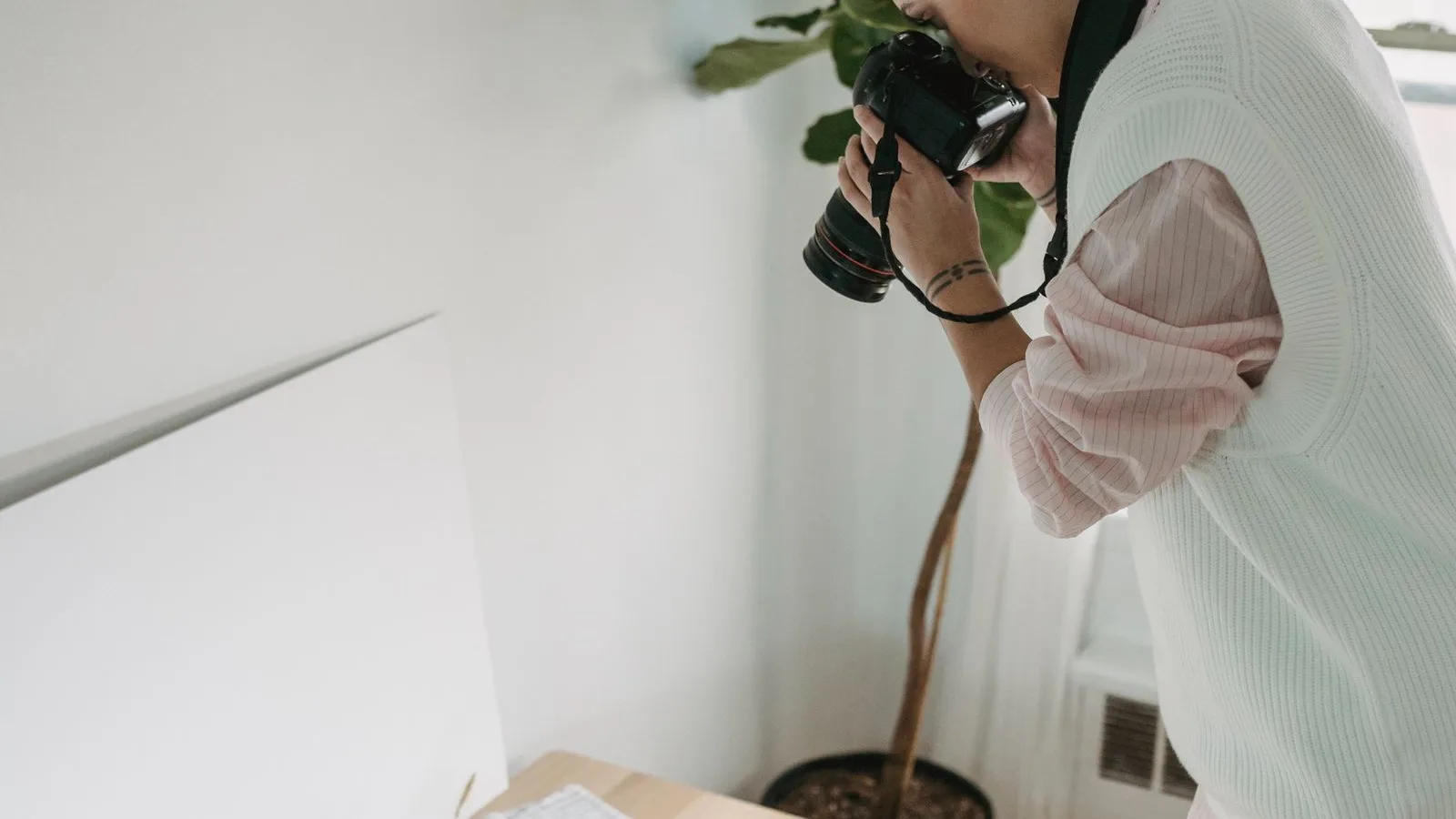
Why stock photos do not work on a business website
We have all seen the same woman in a yellow hard hat smiling at a blueprint. The problem is not that she looks good: it is that it is not your workshop. Someone looking for a local installer wants to see the street, the van and the face of whoever is going to walk into their home.
There is a place where stock does work: an icon, an abstract background, an illustration next to an article. That is fine and fools nobody. For the home page, the services page and the contact page, it is not.
And there is a practical reason on top of the aesthetic one: that same stock photo is being used by twenty other businesses in your sector. If someone compares three sites and sees the same image on two of them, both lose.
We have found the same reception photo on two clinics in the same district, ten minutes apart. Neither of them knew. When that happens, the photos for your website stop helping and start costing: anyone who sees them twice concludes, quite reasonably, that neither is real.
The six photos for your website almost any business needs
You do not need fifty. Six good ones will furnish a whole website, and they can be spread afterwards across the Google listing and social media.
1. The entrance, as it looks from the pavement
This is the one that tells someone already standing outside that they are in the right place. Daylight, no cars in the way, the whole sign visible.
2. Where you actually work
The workshop, the treatment room, the kitchen, the unit. Tidy but not empty: a spotless space with nobody in it looks like a catalogue, not a business.
3. The face of whoever answers
The most looked-at of the lot. It does not need a studio session; it needs the person who will pick up the phone to be recognisable.
4. Finished work
Two or three, from different jobs and well lit. If you sell products, the product on a neutral background; if you sell a service, the result at the customer's place, with their permission.
5. The close-up
Hands doing the part you are good at. It is the photo that explains in a second what the copy needs a paragraph for.
6. Before and after, if your trade allows it
In refurbishment, gardening, beauty or repairs it beats any argument. Same framing in both, otherwise it looks like a trick.
Want to know what it would cost you?
We reply the same day. No commitment, no sales pitch.
How to prepare a photo day for your website
Everything gets decided the day before and executed on the day. This is exactly what we do when we build a website:
- A written list. The six above, plus whatever your trade calls for. Without a list you end up with eighty photos of one corner and none of the entrance.
- The hour. Mid-morning or mid-afternoon. At midday the light comes straight down and everything looks harsh; with the shutters down there is nothing to be done.
- Half an hour of tidying. Cables, boxes, paperwork and the calendar from two years ago. It changes the result more than anything else and costs nothing.
- Real work clothes. A brand-new shirt shows. So do overalls with actual stains, and those count in your favour.
- Someone who is not in the shot. To watch the screen, point out what is in the way and tick off the list.
Two hours covers a normal business. Dragging it out usually means the list was missing.

A phone will do: five rules
- Clean the lens. It sounds daft and it fixes half the blurry shots.
- Window light, never flash. Put the person facing the window, not with their back to it.
- Landscape for the website, portrait for social. Shoot both of every scene and you save yourself a second photo day.
- Step closer instead of zooming. Phone zoom crops and degrades; your feet do not.
- Ten shots of everything. They cost the same and there is always one where nobody blinks.
What ruins a good photo: weight and filename
A phone photo comes out at four or five megabytes. Uploaded as it is, that page takes forever on your customer's phone, and we cover that in full in why your website is slow on mobile. Before uploading they need to be resized and converted to WebP, which is the format we leave them in.
Then comes the part almost nobody does: the filename and the alt text. Neither «IMG_2048.jpg» nor «photo1». Google's documentation on images asks for the same thing common sense does: a name that describes what is in the shot and alt text that tells it to whoever cannot see it. Which words to use is covered in how to choose your keywords.
Photos with people in them: ask first
If someone is recognisable in the shot — an employee, a customer, the neighbour walking past — you need their permission to publish it. In Spain that is the right to one's own image, set out in Organic Law 1/1982. We are not lawyers and this is not legal advice, but the practice is simple: a two-line release signed on the day of the shoot, and filed.
Same goes for photos of work done in a customer's home: ask before publishing, even if nobody appears. A recognisable living room belongs to someone too.
Where they go besides the website
One piece of advice before spreading them around: keep the originals in a dated folder, untouched. The light versions are for publishing; the day you change website or need to print a poster you will want the full photo, not the 400-pixel-wide one you uploaded three years ago.
Those same six stretch a long way. On your Google Business Profile your own photos are among the things that move the needle most, and Google publishes its photo guidelines for listings: sharp, genuine, no frames or text over them. On social, the portrait versions get reused. And in the quotes you email out, the finished-work shot is worth two paragraphs.
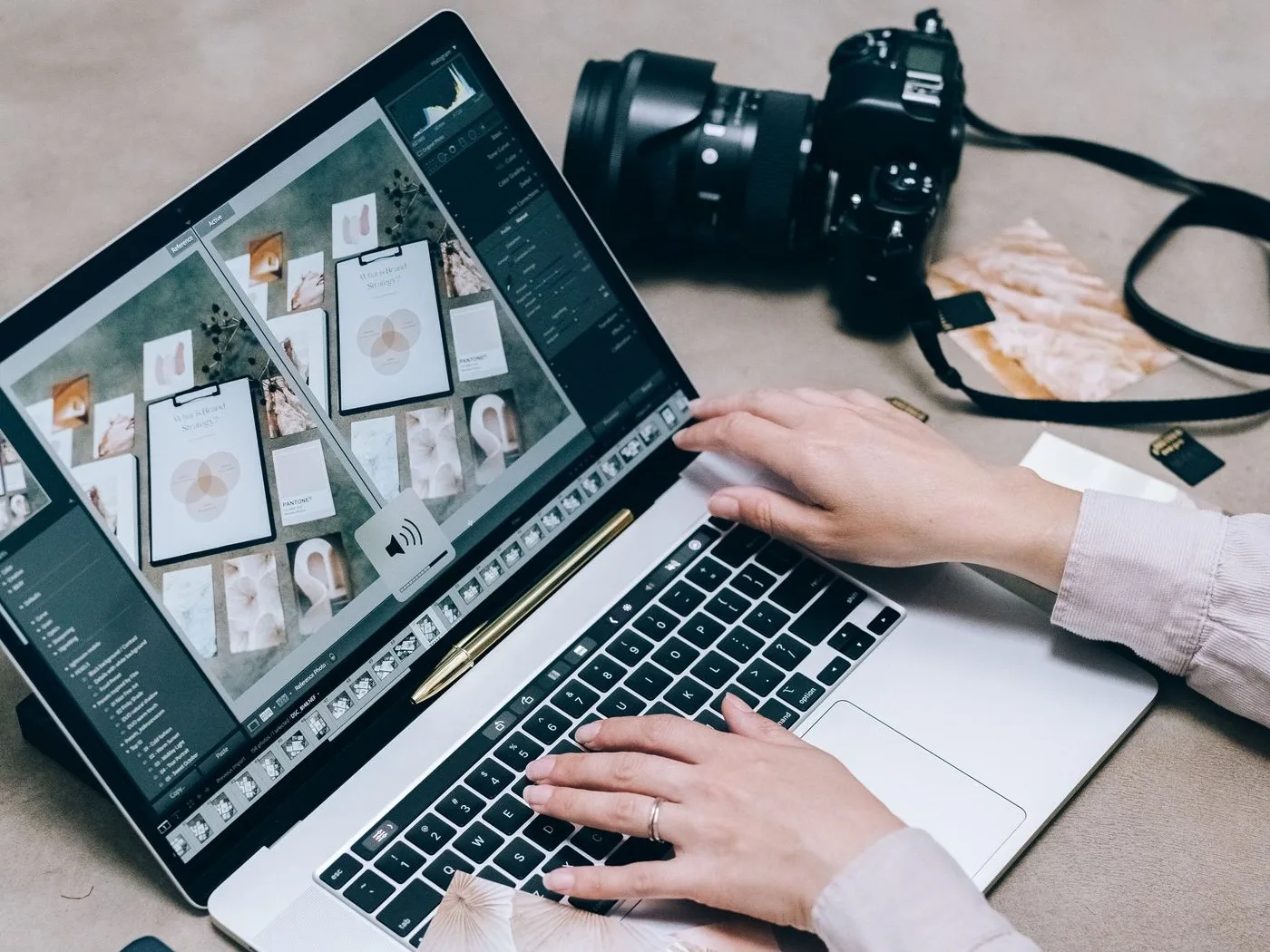
What having your own website photos costs
The photo day at your premises is something we do when we build the site, along with the first meeting; that is the part worth doing in person. The website itself sits in the published plans: 100 € a month for a one-page landing and 200 € for a site of up to ten pages, hosting and email included. The presence plans at 400, 750 and 1,500 € add monthly articles and the Google listing. All excluding VAT and with no lock-in.
If you would rather shoot them yourself, that is fine too: with the list above and a decent phone they come out well. Getting them light, named and captioned falls under SEO work.
The ten-minute check
- Open your website and count how many photos are genuinely of your business.
- Check whether the entrance shot is there. It almost never is.
- Search one of your images in Google's image search and see whether anyone else shows up with the same one.
- Right-click a photo and look at what the file is called.
- Open the site on mobile data, no wifi, and count until they all load.
If any of that fails, you have a plan for next Tuesday. And if you would rather we looked at it, send us your website link over WhatsApp: we will tell you which photos are missing and which we would change first.
Tell us what you need and we'll give you a price
We reply the same day. No commitment, no sales pitch.