

A chatbot for your website is not a salesperson and not an employee who never sleeps. It is a counter that answers whatever is already written down somewhere in your business, and that is the whole point. Set up well it takes work off your hands; set up badly it drives people away.
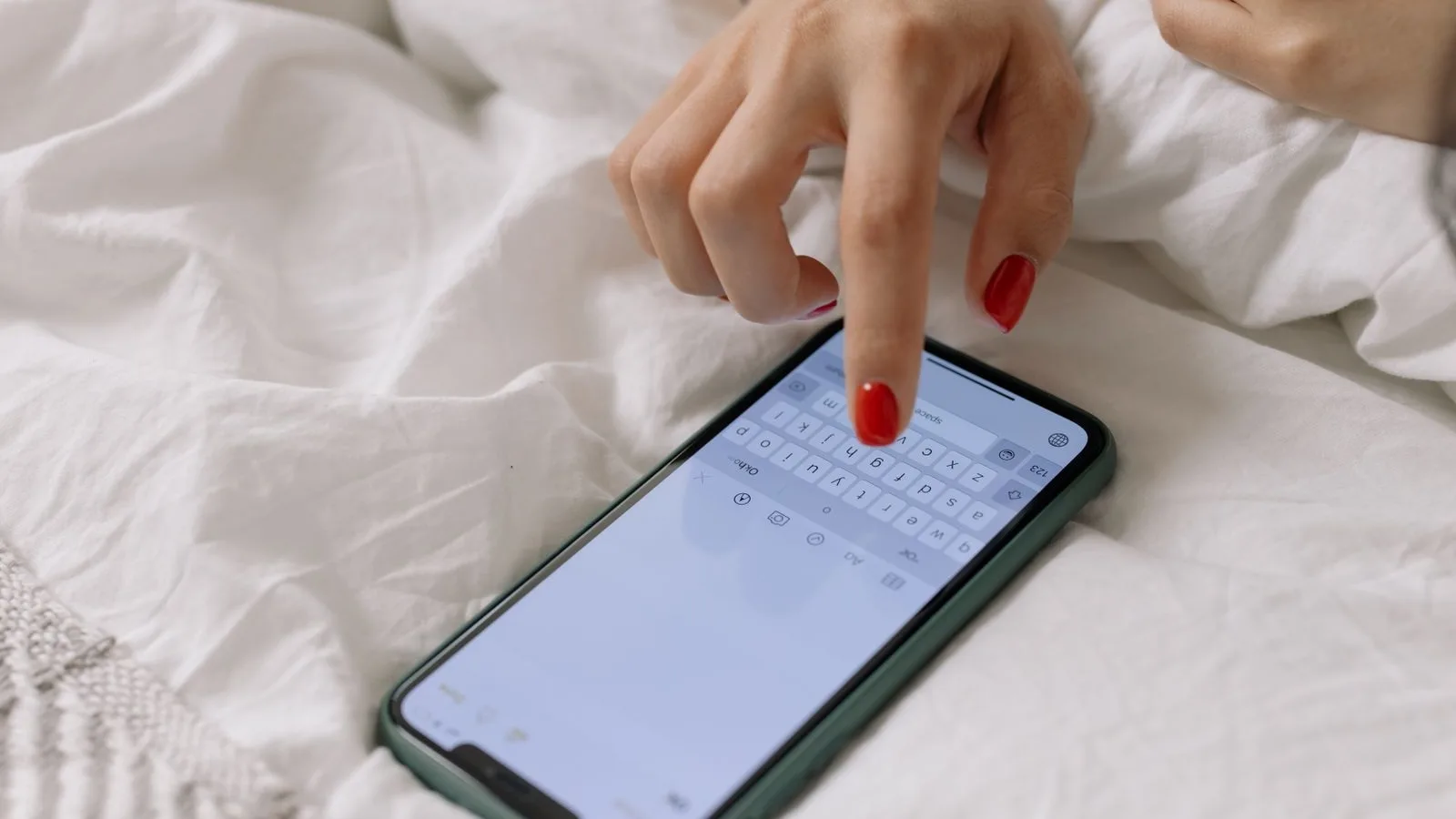
What a chatbot is and what it is not
It is a conversation window that replies with what you gave it: your catalogue, your opening hours, your terms and your frequently asked questions. It knows nothing you have not told it, and when it does not know, the worst thing it can do is make something up.
It is not a replacement for answering, either. It is a filter: it handles the repeated stuff and passes on whatever deserves a person, which is exactly where sales get closed.
The rule that decides everything: the chat cannot know more than your website
If your pages say nothing about prices, timescales or the areas you cover, the chat will not say it either, or worse, it will invent it. So the order is always the same: first write down what you know, then build the chat on top. If that part is missing, start with the copy for your website.
The three questions that keep repeating
In almost every small business, 80 % of what comes in is three things: how much it costs, when you can do it and whether you do such-and-such. Open last week messages and count them. If that is what you get, a chat takes work off your hands from day one.
If instead every enquiry is different and needs a drawing, a history or a measurement, the chat will get in the way more than it helps. What is needed there is a well-organised person, not a robot. Counting one week of messages settles this better than any opinion.
Want to know what it would cost you?
We reply the same day. No commitment, no sales pitch.
When a chatbot for your website genuinely helps
- When enquiries arrive out of hours. Nights and weekends bring more than you think, and right now nobody is there.
- When the counter is busy. If you serve and answer at the same time, something always slips, and it is usually the message.
- When what people ask is already written. Hours, areas, payment methods, what each service includes.
- When you want to filter. Three well-chosen questions separate the customer who fits from the one who does not, and save you the twenty-minute call.

When it annoys people and costs you customers
The window that pops up after two seconds and covers half the screen on a phone is the fastest way to get somebody to close your site. Google puts it in writing in its documentation on page experience: the main content has to be visible without fighting through notices. The chat is offered, not imposed: a discreet button in the bottom corner and that is it.
And two things annoy people even more: answering anything at all just to answer, and leaving no way to reach a human being.
What a chat should never answer
Fixed prices for jobs that depend on a site visit, firm dates you cannot guarantee yet, and anything with consequences: medical, legal or tax advice. Whatever the chat says, your company says, and «the machine said it» is not a defence.
The answer is not switching it off, it is fencing it in. You give it a range («from X, depending on size»), you teach it to say it does not know and you give it a way out to a person.
You have to say it is a machine
This is not a matter of style. The European regulation on artificial intelligence requires that people know they are interacting with an AI system, and in Spain oversight sits with the Spanish Agency for the Supervision of Artificial Intelligence. One line when the window opens sorts it out, and as a bonus people forgive a robot more easily than a human who answers like one.
The data the chat collects is personal data
Name, phone number, whatever the customer tells you and sometimes a photo. That cannot be left floating inside whichever tool you picked: it has to end up in your own file, with its privacy notice and with control over who gets in. Where to put it and with which fields is in CRM for a small business.
The way out to a person, always visible
A button to leave a phone number or move to WhatsApp, plus an honest line with your real response times. Promising «we will reply right away» at eleven at night loses trust twice: first no answer comes, then it comes late. How long replies should take, and what happens when they do not, is in how fast you reply to leads.
What has to be written before you build it
Four things, none of them technical. The real frequently asked questions, the actual ones, not filler. Your hours and the areas you work in. What each service includes and what it does not. And a price range, however wide. Without this the chat repeats empty phrases and the visitor spots it by the second reply.

The alternative that is enough for plenty of businesses
Saying it plainly beats selling smoke: if you get five enquiries a day, you do not need an AI chat. WhatsApp Business with saved replies and a contact form that actually works will do, and they cost nothing. A chat starts to pay off when the volume eats you alive or when the same three questions repeat all day.
We'll tell you in a ten-minute conversation
We reply the same day. No commitment, no sales pitch.
Three concrete cases
- Clinic. The chat gives opening hours, explains what the first appointment covers and offers to book it. What it never does is comment on a symptom.
- Garage. It asks for make, model and the problem, gives an indicative range and books the inspection. The fixed price comes with the car in front of you.
- Shop with deliveries. It handles timescales, shipping costs and returns, which are 80 % of what comes in, and hands over to a person the moment something goes wrong.
In all three the pattern is the same: the chat clears the path and the person closes.
How you know whether it is working
Four numbers a month. How many conversations there are, how many get resolved without anyone stepping in, how many leave a phone number or an email and how many end up as customers. If conversations go up and customers do not, the chat is entertaining rather than selling, and what it answers has to change.
What a chatbot for your website costs
It depends on what it has to talk to: only your own documentation, or also the booking system, the stock or your case files. That is why it goes by project with a fixed written quote before anything starts, like the rest of our AI integrations, and it is explained on the AI integration and training page.
Our published monthly prices (Tu Landing at 100 €, Tu Web at 200 € and the presence plans at 400, 750 and 1.500 €) cover the website, articles and the Google profile; the chat is a separate thing and gets quoted separately. If what you want first is to understand where AI fits in your business, start with artificial intelligence in your company.
How we do it
First we read a month of your messages and count what repeats. If it turns out a chat helps, we write the answers with you, fence off what it must not answer and run it for two weeks with the way out to a person clearly visible. If it turns out it does not help, we say so and build the cheaper option instead. Tell us what reaches you and through which channel, and we will tell you what we would do.
Tell us what you need and we'll give you a price
We reply the same day. No commitment, no sales pitch.