

For a shop or a workshop, WhatsApp Business is not a social network or a nice-to-have: it is the door most first contacts come through. And it is free, so the question is not whether to use it, but how to set it up so it does not turn into a mess on somebody phone.

What changes compared to regular WhatsApp
The app looks the same from the outside and adds what a business needs: a company profile with opening hours, address and a link to your website, automatic greeting and away messages, saved replies, labels to sort conversations and a simple catalogue. The official description is on the WhatsApp for business page.
None of it is complicated. What takes thought is deciding what goes in, which is why this article is about decisions rather than buttons.
The number: the mistake you pay for over years
If the business replies from somebody personal phone, that person takes the customers with them the day they leave, and they never switch off either. One number for the business, even a cheap SIM in an old handset, and the personal one kept apart. It takes an afternoon and avoids two problems that are hard to fix later.
Want to know what it would cost you?
We reply the same day. No commitment, no sales pitch.
What to set up on day one
1. The business profile
The name as people know it, the address, the real opening hours, a two-line description and the link to your website. That profile is the first thing somebody writing to you for the first time looks at.
2. The greeting and the away message
The greeting, short and human. The away message is the one that really matters: it says what time you reply, and with that people wait instead of writing to a competitor. How to word it without sounding like a machine is in how fast you reply.
3. The quick replies
The three usual questions, written once and saved: rough price, opening hours and how to get there. Two letters inserts them and they save ten minutes a day.
4. The labels
Four are enough: new, quote sent, awaiting payment and closed. They are the poor relation of a CRM and they work while the volume is that of a small business.

Five saved replies that work in almost any business
Copy these, change the details and you have eighty per cent of what comes in covered:
- Opening hours. «We are open Monday to Friday, 9 to 2 and 4 to 8, and Saturday mornings. Bank holidays we announce right here.»
- Rough price. «It depends on X, but to give you an idea it is usually between A and B. Tell me what you need and I will narrow it down today.»
- How to find us. A map link and one line with the landmark everybody uses, which is what people actually understand.
- Acknowledgement. «Got it. I will look at this and come back to you before six.» Short, and kept.
- Follow-up. «I sent you the quote on Tuesday, did you get a chance to look? If something does not fit, we can change it.»
The fourth and fifth are the ones that save the most sales, and the ones almost nobody has written down.
The catalogue: when it helps and when it gets in the way
It helps if you sell specific, repeated items, because it saves sending the same photos over and over. It gets in the way if your work is bespoke or the offer changes weekly, because you end up with an out-of-date catalogue contradicting what you say in chat. In that case a link to the website is better.
The button on your website, with the message pre-written
A WhatsApp link can carry the text already in it, something like «Hi, I would like more information about…». It sounds like a detail and it changes the conversation: the person writing no longer has to work out how to start, and you know which page they came from.
That does not replace the form. Chat takes whoever is in a hurry; the form catches whoever writes at night and will not hand over their phone number, which is in your website contact form. And messages also arrive through the Google Business profile, so it is worth checking.
Who answers and from where
With two or three people, the app lets you open the same account on a computer and on several linked devices. The important part is not technical: it is writing down who answers on each shift and what happens on Sunday. Otherwise everybody looks and nobody replies.
We'll tell you in a ten-minute conversation
We reply the same day. No commitment, no sales pitch.
What not to do
- Broadcast lists to people who never opted in. That is advertising, and without consent it ends in blocks and complaints.
- Groups with customers. Everybody sees everybody phone number and there is always somebody writing at eleven at night.
- Replying in the small hours. You set the expectation and next month it is demanded of you.
- Closing the sale in chat and leaving no trace. Whatever is not written down somewhere gets lost all the same.
WhatsApp data, backups and scams
That phone holds names, addresses and sometimes photos of people homes. Three things we always tie down: backup switched on, who has access to the device, and what happens to the history if that person leaves. Plus a warning the whole team needs: nobody asks for verification codes by message, and whoever does is trying to take over your account. INCIBE material on e-commerce goes through the most common scams when selling through digital channels.
When you need the bigger version and when you do not
There is a version for high-volume companies with several agents, integrations and template messages, contracted through providers and paid per conversation. A two-person business does not need it, and saying so costs us work. It makes sense with a customer service team, when the chat has to talk to your management software, or with hundreds of conversations a week.
How we set it up and what it costs
The WhatsApp button, the link with the message pre-written and a properly filled profile are part of the website, at no extra cost. Our prices are published: Tu Landing is 100 € a month and Tu Web 200 €, VAT on top and with no lock-in, with domain, hosting, email and maintenance included. What goes by project, with a closed written quote, is connecting the chat to management software or setting up automatic alerts.
To see how it fits with the rest, digital marketing explains what we do each month. And if you are looking at grants to digitalise the business, the Spanish Chamber of Commerce and the regional chambers publish support programmes worth checking.
What to look at each month
Three numbers, no dashboard: how many new conversations came in, how many went unanswered and how many ended in a sale. If the second one goes down, it was a good month. If it goes up, it is not a tools problem: nobody has decided who answers.
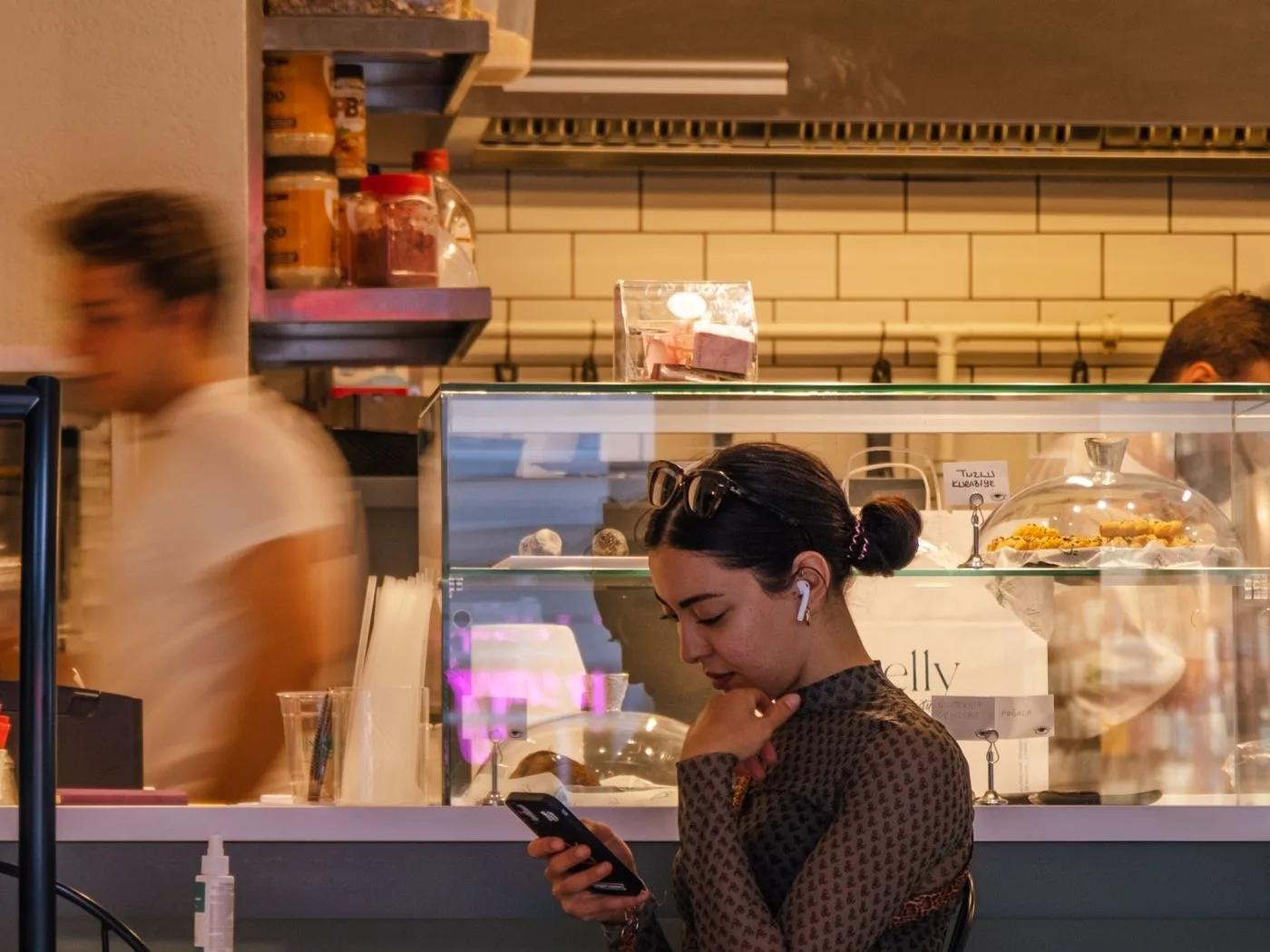
We work from Palamós, with businesses across Girona and Barcelona
We set this up at the same time as the website, because that is where half the visits end up. If you already use WhatsApp and want it tidied, tell us how you run it now and we will tell you what we would change, with no commitment.
Tell us what you need and we'll give you a price
We reply the same day. No commitment, no sales pitch.